CSV and PDF Export
Export candidate scorecard data for offline review, stakeholder presentations, and record-keeping.
Export scorecard data from any posting using the Export dropdown in the posting header. Two formats are available depending on your use case.
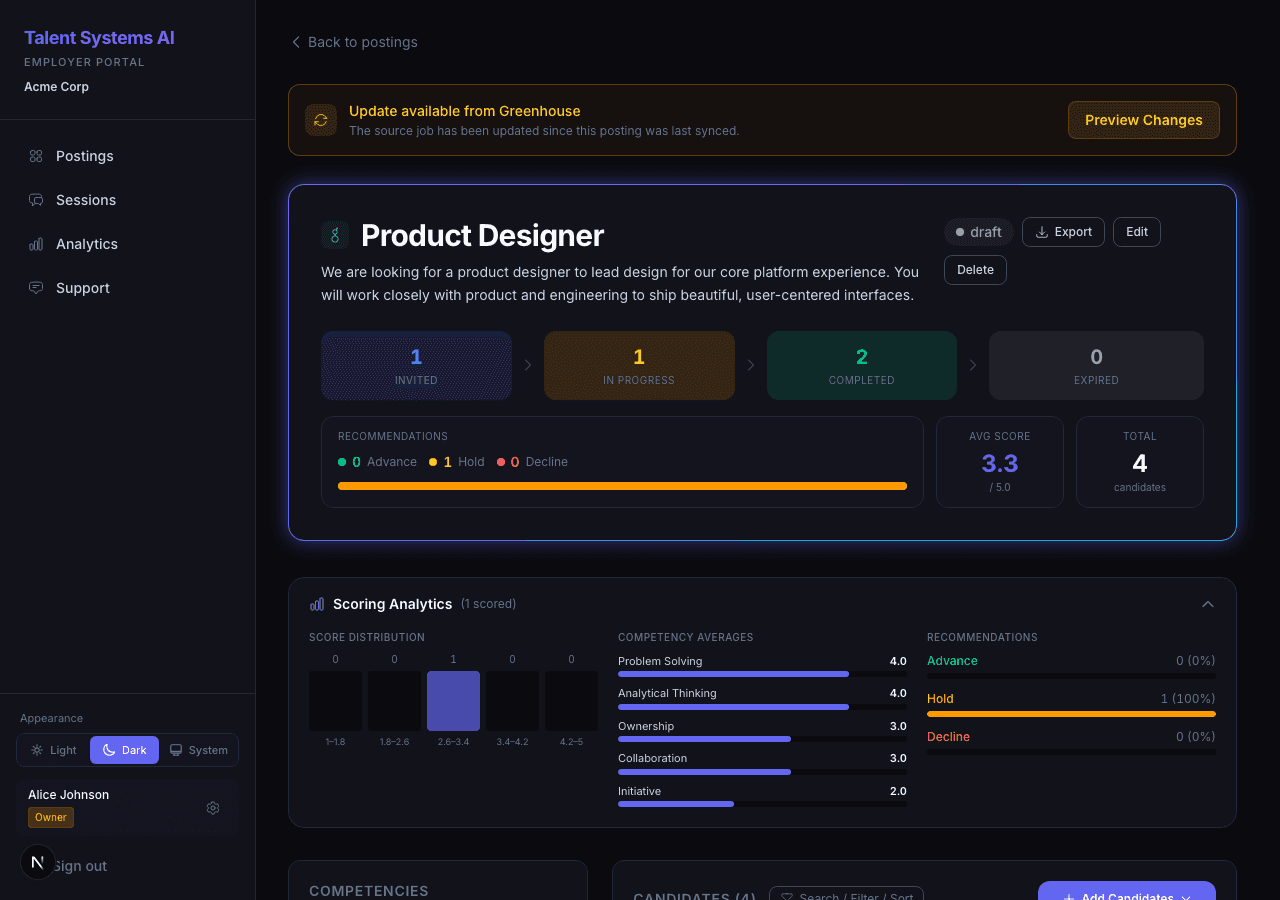
Export Formats
CSV Export
Downloads a spreadsheet with one row per scored candidate. Each row includes:
| Column | Description |
|---|---|
| Name and email | Candidate identification |
| Overall weighted score | The final combined score |
| Per-competency scores | Individual score for each competency on the posting |
| Recommendation | Advance, Hold, or Decline |
| Integrity flag count | Number of integrity signals flagged during the interview |
| Completion date | When the interview was submitted |
Open the file in Excel, Google Sheets, or any spreadsheet tool. This format is best for further analysis, custom filtering, or sharing with stakeholders who prefer working in spreadsheets.
Access and Permissions
Export access is controlled by your organization's permission settings. If the Export dropdown is not visible on a posting, your role may not have export permissions enabled.
Contact your account owner to adjust export permissions in Settings > Permissions.
Exports include all scored candidates on the posting, regardless of any active filters on the candidate list. To export a subset, use the CSV format and filter within your spreadsheet tool.